Running an LLM on CPU Only - Real Numbers from an Old Xeon with 256GB RAM
Say you have an old server sitting idle, generously stuffed with RAM but with no GPU. If you run a local open-source LLM on it — how many tokens per second do you actually get? Search the web and half the answers say “too slow to use” while the other half say “surprisingly usable”, with very few concrete numbers either way.
So we measured it ourselves: five models from 120B down to 4B on a 10-core old Xeon with 256GB of DDR4, published here without rounding or embellishment. Including what happens when you change the thread count, and how much extra electricity it burns.
11.3 t/s
best generation speed (Qwen3-30B-A3B)
~7x
generation slowdown with hyper-threading on
+22W
power increase under sustained load
+3°C
CPU package temperature rise
A Server Full of RAM, No GPU
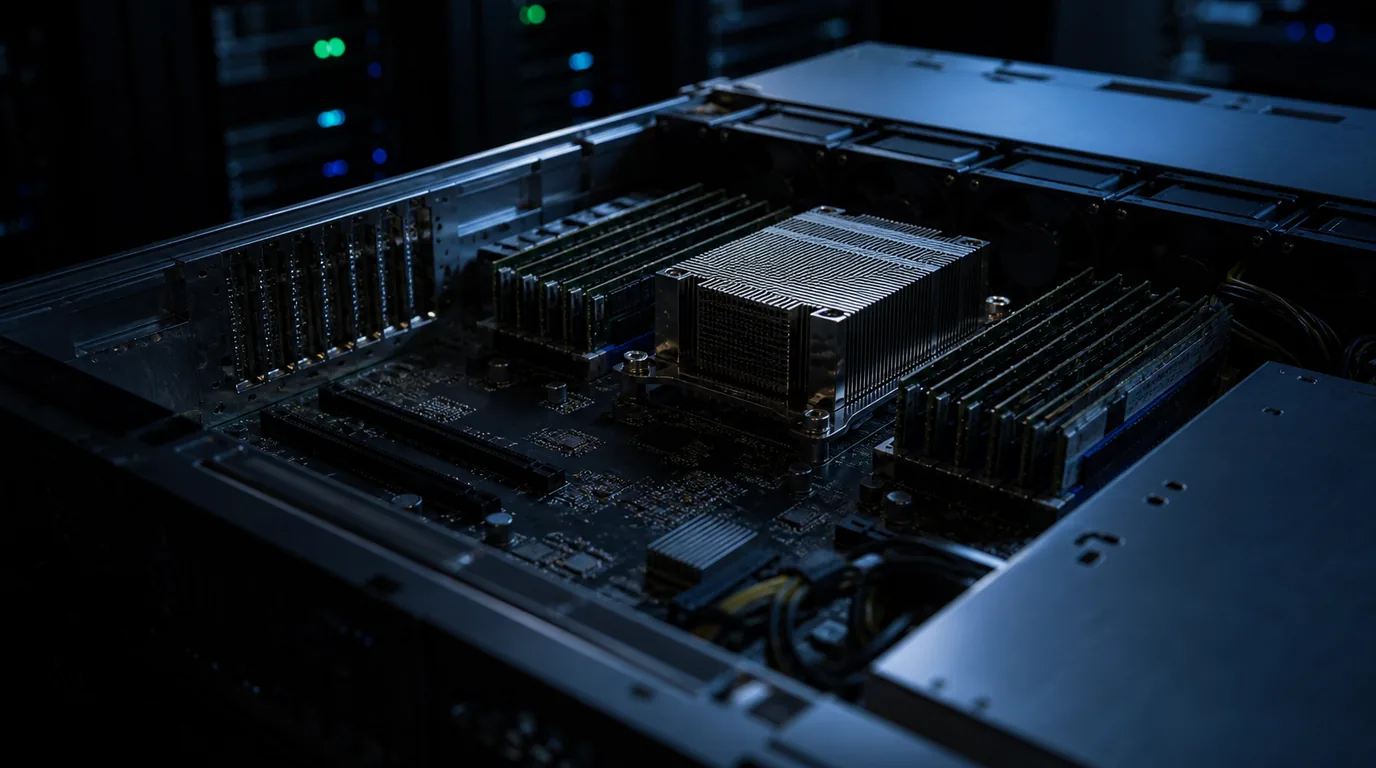
Local LLM stories usually start with a GPU. But many offices and labs have a different picture: somewhere in a corner sits an old dual-socket-capable rack server with eight RAM slots per CPU, doing nothing.
Servers like this often still carry the RAM they were filled with years ago. There was a time when DDR4 ECC memory was genuinely cheap — but these days RAM prices have climbed considerably. So the starting point of this post is not “buy RAM now” but “put an already-populated idle server to work”.
With 256GB of RAM, even a 120B model with a 60GB file fits entirely in memory. Of course, “it fits” and “it runs at a usable speed” are two very different claims — and this post fills that gap with measured numbers.
ℹ️ Good to know
t/s (tokens per second) is how many tokens the model produces each second. As a rule of thumb, around 10 t/s of generation is roughly reading speed — below that, interactive chat starts to feel sluggish.
What We Measured, and How
Meet the protagonist.
CPU
Intel Xeon Silver 4210 — 10 cores / 20 threads
Memory
DDR4-2400 RDIMM, 256GB
GPU
None. Pure CPU inference.
The tool is llama.cpp official prebuilt binary b10333 (CPU build) and its llama-bench. All models are GGUF quantized files. The two metrics in the tables read as follows:
- pp512 — prefill speed: tokens per second while ingesting a 512-token prompt. This decides how long you wait after pasting a long document.
- tg128 — generation speed: tokens per second while producing a 128-token answer. This is what you feel as responsiveness.
The ± values are standard deviations across repeated runs.
Hyper-Threading Betrays You — Threads = Physical Cores
The first finding was dramatic. With a 10-core / 20-thread CPU you might expect 20 threads to be faster. The opposite happened. Here is gpt-oss-120b (MXFP4, 60GB file) with only the thread count changed:
| Threads | pp512 (t/s) | tg128 (t/s) |
|---|---|---|
| 10 (physical cores) | 10.34 ± 0.33 | 6.87 ± 0.04 |
| 20 (with hyper-threading) | 9.18 ± 2.07 | 0.95 ± 0.19 |
Generation collapsed from 6.87 to 0.95 t/s — roughly a 7x drop. Not “slightly slower”; practically unusable.
The reason is where the bottleneck sits. CPU inference is limited by memory bandwidth, not arithmetic — and 20 logical threads fighting over the same memory controllers simply get in each other’s way.
One interesting contrast: Qwen3-30B-A3B, whose active parameters are only 3B, held up at 10.9 t/s generation even with 20 threads. A smaller working set suffers far less from the contention.
The conclusion stays the same though: there is nothing to gain, so set the thread count to the number of physical cores.
⚠️ Watch out
When passing -t manually, it is easy to type the logical thread count (20, 32, …) out of habit. That single flag can change your results severalfold.
Memory Bandwidth Decides Generation Speed
So which model should you pick? All five, measured at 10 threads (physical cores). The number in parentheses is the active parameter count for MoE models — the weights that must actually be read from RAM for every single token.
| Model | File size | pp512 | tg128 |
|---|---|---|---|
| gpt-oss-120b MXFP4 (5.1B active) | 60GB | 10.3 | 6.9 |
| gemma-4-26B-A4B UD-Q4_K_XL (4B active) | 16GB | 17.9 | 6.8 |
| Qwen3-30B-A3B-2507 UD-Q4_K_XL (3B active) | 16.5GB | 22.3 | 11.3 |
| Qwen3.5-4B UD-Q4_K_XL (dense) | 2.8GB | 18.1 | 7.9 |
| gemma-4-E4B UD-Q4_K_XL | 4.9GB | 26.3 | 7.3 |
The one-line takeaway: the 16.5GB 30B model beat the 60GB 120B model in every metric. The overall winner was Qwen3-30B-A3B at 22.3 t/s prefill / 11.3 t/s generation.
Even when plenty of RAM means a big model “fits”, output speed is governed not by total model size but by how many active parameters must stream out of RAM per token. Memory bandwidth is the ruling variable, so 3B-active (30B) beating 5.1B-active (120B) is exactly what physics predicts.
We dug into why MoE behaves this way in our MoE vs Dense comparison.
A few operational notes. Running the 120B (60GB file) peaked at about 96GB RSS (including mmap page cache) with zero swap. First-time loading of the 60GB file from disk took about 5 minutes (disk at ~200MB/s) — and since that phase is iowait, power draw does not rise.
💡 Key point
For CPU inference, choose models by active parameters, not total parameters. The right pick is not “the biggest model that fits in RAM” but “the model with small active parameters and good-enough quality”.
Power and Heat Barely Move
GPU inference makes power jump by hundreds of watts and fans scream. What about CPU inference? We ran Qwen3-30B-A3B under sustained load for about 4 minutes and measured through the server’s management controller (BMC).
System power
209W idle → 220–231W under load. Just +22W — about one extra light bulb.
Temperatures
CPU package 47°C → 50°C (+3°C), exhaust 41 → 42°C, intake steady at 34°C. HDD temperatures in the same chassis (37–46°C range) were completely unchanged.
Fan noise
Fan RPM identical before and after — temperatures never rose enough for the fan curve to react.
Performance held steady too: 21.3 t/s at pp1024 and 11.2 t/s at tg256 during sustained load — the same as the short benchmarks, meaning no thermal or sustained-load degradation.
The reason is the same physics as before: the workload is bandwidth-bound, so the CPU’s arithmetic units spend much of their time waiting for data — and power and heat barely rise. The exact opposite of GPU inference, where load instantly spikes both.
One honest disclosure: we did not collect DIMM (memory module) temperature sensor readings this time. The numbers above cover intake, exhaust, CPU package, and HDD temperatures only.
Side by Side with a Modern Desktop
To put these numbers in context, we ran the same llama.cpp build and the same Qwen3-30B-A3B-2507 UD-Q4_K_XL file on a modern desktop-class CPU: an AMD Ryzen 9 9950X3D (16 cores / 32 threads) with 96GB of dual-channel DDR5, again with no GPU involved.
| Configuration | Threads | pp512 | tg128 |
|---|---|---|---|
| Desktop-class (Ryzen 9 9950X3D, DDR5) | 16 (physical) | 259.3 | 24.8 |
| Desktop-class (Ryzen 9 9950X3D, DDR5) | 32 (SMT) | 103.9 | 5.4 |
| Old server (Xeon Silver 4210, DDR4-2400) | 10 (physical) | 22.3 | 11.3 |
The gap: about 11.6x in prefill and 2.2x in generation. Core count (16 vs 10) cannot explain that. What separates them is the memory generation — DDR4-2400 versus DDR5 bandwidth.
And note the second row: with SMT enabled, the Ryzen’s generation also collapsed from 24.8 to 5.4 t/s. “Threads = physical cores” holds regardless of CPU vendor.
Does that make the old server pointless? One trade-off remains: the desktop’s 96GB gets tight with a 60GB model in memory, while an old server carrying 256GB of RAM means big models simply fit. The desktop wins on speed; the old server wins on capacity.
The Honest Verdict — What Is It Good For?
Having seen all the numbers, here is our honest assessment.
- Not enough for real-time interactive chat.
11.3 t/s generation barely keeps up with reading speed, and the bigger pain is 22.3 t/s prefill: paste a long document and you wait tens of seconds before the first character appears.
If real-time chat or coding assistance is what you are after, a single 16GB-class budget GPU is the far more realistic choice — see our RTX 5060 Ti benchmark for what that class of card actually delivers. That does not make CPU inference worthless. It just serves a different purpose, as the next point explains.
- Genuinely useful for work that can wait.
Overnight batch summarization, document classification, or processing private data that must not leave the building — jobs where nobody sits waiting. At ~11 t/s you produce hundreds of thousands of tokens overnight, for +22W, pennies of electricity.
- 80% of the tuning is just two settings.
Threads = physical cores, and pick a model with small active parameters. These two choices alone swing results severalfold on identical hardware.
We would have loved to conclude “your spare server is a free ChatGPT” — but the measurements refuse to say that. What they do say: you get a quiet, nearly-free-to-run, slow but steady night-shift worker out of hardware you already own. That is the honest conclusion of this experiment.
Try It Yourself
Reproducing this is easy — no compilation needed.
- Download an official CPU prebuilt binary from the llama.cpp GitHub releases (this post used b10333).
- Grab a GGUF quantized model from Hugging Face. With plenty of RAM, start with a small-active-parameter MoE model like Qwen3-30B-A3B.
- Run
llama-bench -m model.gguf -t <physical cores>. The pp512/tg128 numbers are directly comparable to the tables above. - Sweep the thread count (half the physical cores, all physical cores, all logical threads) and find your CPU’s sweet spot. It will almost certainly be near the physical core count.
We would love to hear how your server compares to these numbers. Curious about the GPU side? See our RTX 5060 Ti local AI benchmark as well.
Related Posts
© 2026 TreeRU. All rights reserved.
All content is copyrighted by TreeRU. Unauthorized reproduction without attribution is prohibited.