Next.js PageSpeed Optimization - Mobile 38 to 88
Honestly, I was shocked when I first ran PageSpeed. The design looked great, SEO scored 100 — but Mobile Performance was 38. Desktop was 52. That was the moment I learned that a pretty site isn't necessarily a fast one.
This article documents the process of improving a Next.js site's PageSpeed from Mobile 38 → 88, Desktop 52 → 97. No fancy theory — just what we changed and how many points each change was worth.
38→88
Mobile Score
52→97
Desktop Score
0.5→0
CLS Improvement
110s→3.4s
LCP Improvement
The Situation — Mobile 38
The site was feature-complete and well-designed. SEO 100, Accessibility 92, Best Practices 100. The only problem was Performance. The diagnostics made the cause clear.
Initial Core Web Vitals (Mobile)
- LCP (Largest Contentful Paint): 110.2s (target under 2.5s)
- CLS (Cumulative Layout Shift): 0.500 (target under 0.1)
- FCP (First Contentful Paint): 3.3s (target under 1.8s)
- Speed Index: 46.4s
LCP 110 seconds. Not a typo. The Hero image alone was 5.6MB, and there were 6 more images of similar size. 36MB total of images loading on a slow 4G connection — that's how you get 110 seconds.
CLS 0.5 was equally severe. A typewriter animation added characters one by one, pushing content down with each letter. Web fonts loading late caused text size changes on swap.
4-Phase Improvement Overview
Instead of changing everything at once, we fixed one thing at a time and measured after each change. This let us pinpoint exactly how much each optimization contributed.
| Phase | Mobile | Desktop | CLS | LCP |
|---|---|---|---|---|
| Initial | 38 | 52 | 0.500 | 110.2s |
| Image Compression | 45 | 80 | 0.481 | 6.8s |
| CLS Fix | 70 | 88 | 0.095 | 4.7s |
| Font Optimization | 74 | 96 | 0 | 4.7s |
| LCP Optimization | 88 | 97 | 0 | 3.4s |
Key Point
The biggest score jump came from the CLS fix (+25 points). But image compression should always come first — heavy images mask the impact of other optimizations.
Phase 1: Image Compression
Images first, everything else later. The Hero image was 5.6MB, three service section images were 5-7MB each, plus background textures and photos — 6 images totaling 36MB.
| Image | Before | After | Reduction |
|---|---|---|---|
| Hero Main | 5,695KB | 124KB | 97.8% |
| Service (AI) | 5,406KB | 93KB | 98.3% |
| Service (Network) | 6,789KB | 214KB | 96.8% |
| Service (Software) | 6,082KB | 155KB | 97.5% |
| Background Texture | 6,170KB | 122KB | 98.0% |
| Background Photo | 6,282KB | 97KB | 98.5% |
Using Node.js sharp library with WebP quality 80, max width 1920px. 36MB total dropped to 0.8MB. This alone brought LCP from 110s to 6.8s.
Why Did Mobile Only Gain 7 Points?
Desktop jumped 28 points, but Mobile only 7. The remaining CLS of 0.481 was still a major penalty. Lighthouse allocates 25% of the total score to CLS.
Phase 2: CLS Elimination
This phase delivered the biggest score improvement. CLS (Cumulative Layout Shift) measures how much elements shift during page load — and the culprit was unexpected.
The Culprit: Typewriter Animation
The homepage had a typewriter effect where characters appeared one by one. Visually appealing, but each added character changed the text's height and width, pushing content below it down. This component was used across 4 sections and accounted for 60-70% of total CLS.
Fix: Invisible Placeholder Pattern
The core idea is simple: render the full text from the start, but hide the not-yet-typed portion with visibility: hidden.
// Core logic (simplified)
// Typed portion — visible
<span>{text.slice(0, typedCount)}</span>

// Not yet typed — occupies space but invisible
<span style={{ visibility: "hidden" }}>
  {text.slice(typedCount)}
</span>
This reserves the full text space from the start, locking the layout in place. Users see the same character-by-character reveal, but the browser sees zero layout changes.
Additional Fix: Header Suspense
The Header component was wrapped in Suspense with an 80px-tall empty div as fallback. But since the Header used position: fixed, it doesn't participate in document flow. The fallback's 80px space disappeared when the Header loaded, causing CLS. Fixed by changing the fallback to null.
What Doesn't Count as CLS
transform: translateY()-based animations, opacity changes, and fixed/absolute position element changes do NOT count as CLS. Framer Motion's fadeInUp animation (y: 60 → 0) uses transforms, so it was not a CLS source.
Phase 3: Font Optimization
The score change looks small, but this phase brought CLS to a perfect 0. The remaining 0.095 CLS was caused by web font loading that changed text sizes on swap.
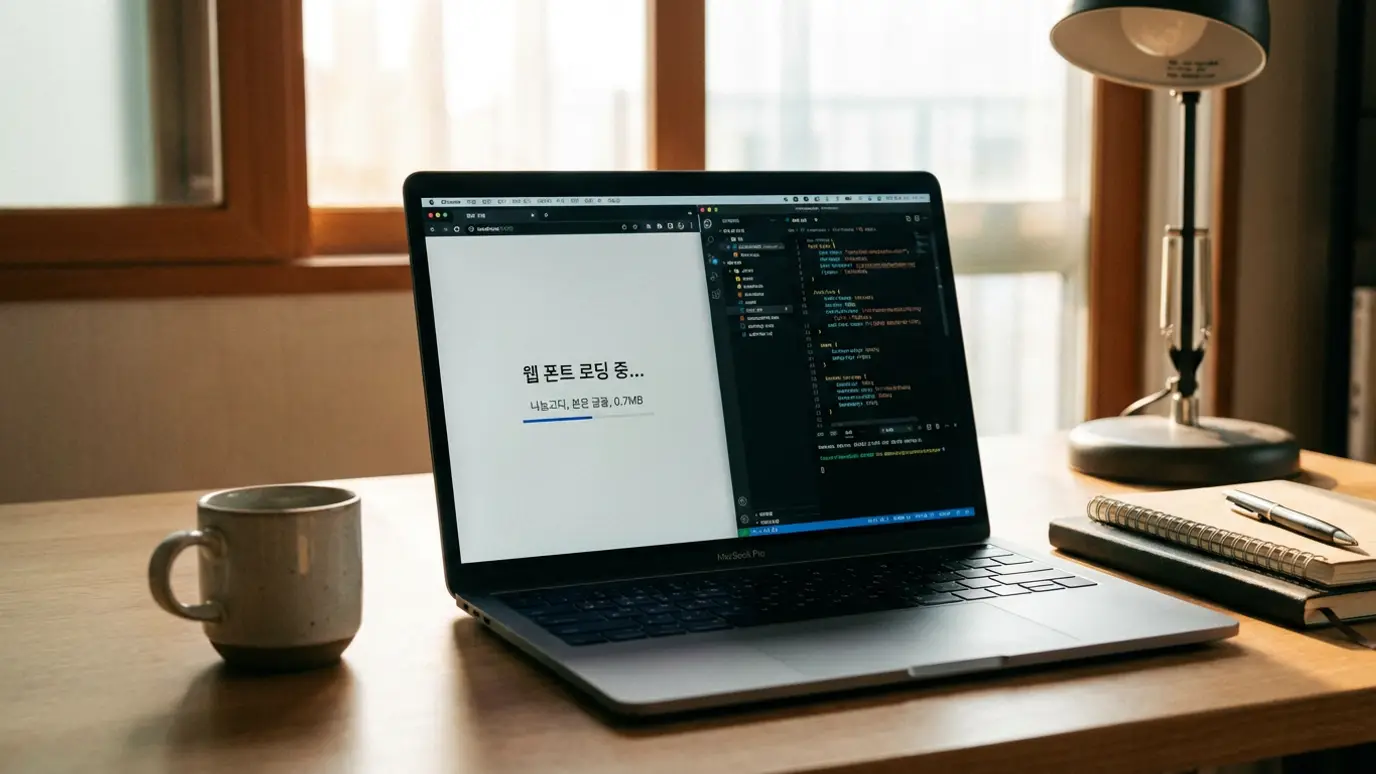
Problem: Korean Font @font-face Explosion
Loading a CJK font like Noto Serif KR via next/font/google generates 120+ @font-face rules for Unicode range subsets. This alone adds ~26KB of render-blocking CSS — a scale that's hard to imagine with Latin fonts.
Fix: Custom Subset + Local Font
We extracted only the characters actually used on the site, generated a woff2 file containing just those glyphs via Google Fonts' text API, then loaded it with next/font/local. The @font-face rules dropped to 1, and render-blocking CSS went from 26KB to 3KB.
Before
124
@font-face rules
~26KB
Render-blocking CSS
After
1
@font-face rule
~3KB
Render-blocking CSS
font-display: optional
font-display: swap shows the fallback font first, then swaps to the web font when loaded. This swap moment causes CLS and re-triggers LCP measurement. Switching to optional keeps the fallback if the font doesn't load within 100ms. On normal connections, the font loads within 100ms anyway, but this prevents font swap and CLS on slow connections.
Experiment: Direct Google Fonts CDN
"Wouldn't loading directly from Google CDN be faster?" We tested it. Result: Mobile 80 → 69, an 11-point drop. The external DNS + TLS handshake overhead added 200-400ms on slow 4G. Self-hosting is always the answer.
Phase 4: LCP Improvement
The final phase was bringing LCP down to 3.4 seconds. This is where we discovered the biggest trap.
The Trap: motion/react's opacity:0
The Hero section had a Framer Motion fade-in animation starting with initial={{ opacity: 0 }} and animating to animate={{ opacity: 1 }}.
The problem: during SSR, this renders as style="opacity:0". The browser excludes opacity:0 elements from LCP candidates. LCP only gets measured after JavaScript executes and sets opacity to 1, making LCP = JavaScript load + execution time. For a detailed analysis of this phenomenon, see our LCP opacity:0 trap analysis.
Delays LCP
<motion.div
  initial={{ opacity: 0, scale: 0.95 }}
  animate={{ opacity: 1, scale: 1 }}
>
  <img src="/hero.avif"
       fetchPriority="high" />
</motion.div>
Immediate LCP
<motion.div
  initial={{ scale: 0.97 }}
  animate={{ scale: 1 }}
>
  <img src="/hero.avif"
       fetchPriority="high" />
</motion.div>
Additional: AVIF Conversion + Preload Cleanup
We converted the Hero image from WebP to AVIF for additional compression. We also found below-the-fold images missing loading="lazy" — Next.js auto-generates preload tags for img elements without lazy. These unnecessary preloads were competing with the Hero image for bandwidth.
LCP Optimization Principles
Never use opacity: 0 as an initial value on elements wrapping LCP candidates (Hero images, large headings). Apply preload only to the 1 LCP image. All other images must have loading="lazy".
Key Lessons
Start with images
Easiest fix with the biggest impact. Just converting to WebP/AVIF with sharp and resizing will noticeably boost your Performance score.
Animations can cause CLS
Typewriter effects, height-changing accordions, lazy-loaded content — anything that shifts layout causes CLS. Transforms and opacity are safe.
CJK fonts need special attention
Unlike Latin fonts, CJK fonts can generate 120+ subsets. Custom subset + local font + font-display: optional is the optimal combination.
motion library opacity:0 kills LCP
SSR renders opacity:0 as inline style, excluding the element from LCP candidates. Use scale or transform only for Hero image areas.
What Not To Do
| Attempt | Result |
|---|---|
| Async Google Fonts CDN loading | 11-point drop — external DNS/TLS overhead |
| Adding preload to below-fold images | LCP worsened — bandwidth competition with Hero |
| Reusing build cache (skipping rm -rf .next) | Changes not reflected |
| experimental: { optimizeCss: true } | No effect with Next.js 16 Turbopack |
Key Takeaways
- ✓Image compression first: 36MB to 0.8MB brought LCP from 110s to 6.8s
- ✓CLS fix gave the biggest score gain. Invisible Placeholder pattern for typewriter animation: +25 points
- ✓CJK fonts need custom subsetting: @font-face rules from 124 to 1, CSS from 26KB to 3KB
- ✓Never use opacity:0 on LCP candidates — use scale-only animations with Framer Motion
- ✓Measure → Fix → Re-measure cycle is key. Don't change everything at once
Use Core Web Vitals debugging with Chrome DevTools at each optimization phase to pinpoint exact causes.
Data was measured in February 2026. PageSpeed scores may vary by ±3-5 points depending on network conditions and server response time. Lighthouse score weights: LCP 25%, TBT 30%, CLS 25%, FCP 10%, SI 10%. Non-commercial sharing is free, but for commercial use, please contact us.
Need Website Performance Optimization?
Treeru handles everything from PageSpeed analysis to optimization implementation to improve your website's performance.
Request Free ConsultationRelated Posts
© 2026 TreeRU. All rights reserved.
All content is copyrighted by TreeRU. Unauthorized reproduction without attribution is prohibited.
