Multi-Server Backup & Recovery Strategy - rsync Pull-Based Automated Backup and Disaster Recovery
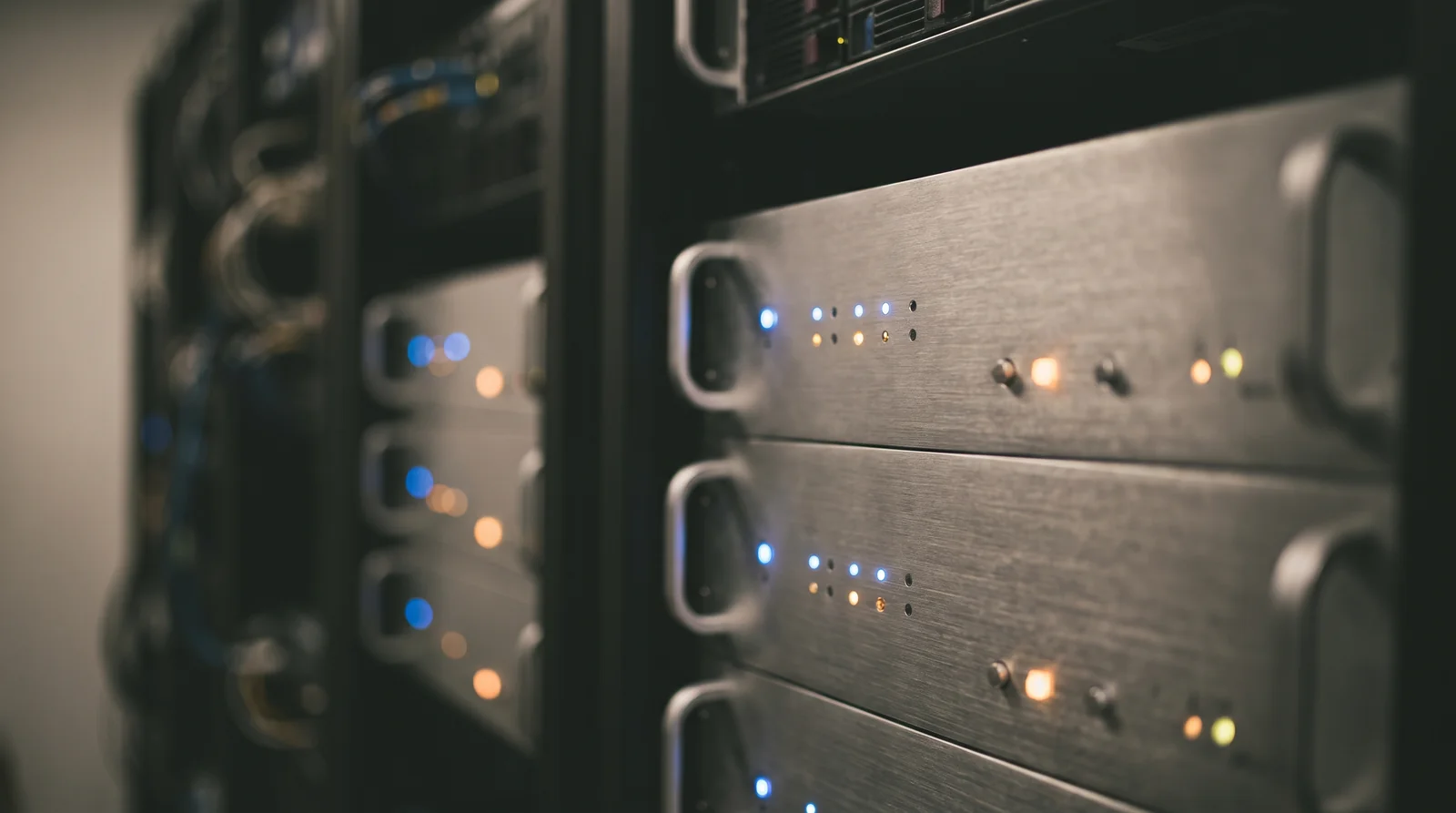
Server failure is a matter of when, not if. Power outages, disk failures, ransomware: data disappears for any number of reasons. Backup isn't about "should we or shouldn't we" — it's about "how fast can we recover." This guide covers automated multi-server backup using the rsync Pull method, SMART-based disk health monitoring, and procedures for rebuilding any failed server on bare hardware. The backup server hardware was covered previously, so this article focuses on operational strategy and automation.
Pull Mode
Backup Server Collects
flock
Concurrency Prevention
30 min
SMART Check Interval
Manual
Human-Verified Recovery
Why Backup Actually Matters
Power outages can be handled with a UPS, and network failures resolve with a reboot. The real threat is physical disk failure. HDD annual failure rate (AFR) runs 1-3%. Operating 10 disks for 3 years gives you a 26-60% probability of at least one disk failure.
Scenarios Without Backup
Pull vs Push
Server backup approaches fall into Push (production server sends to backup) and Pull (backup server fetches from production). We chose Pull for its security and centralized management advantages.
Push Method
Pull Method
The essence of Pull is that "production servers know nothing about backup." The backup server connects via SSH keys and uses rsync to fetch data. From the production server's perspective, it just allows regular SSH connections — no backup scripts exist, so even if an attacker compromises the production server, they can't corrupt the backups.
rsync Script Design
Using rsync's --archive --compress --delete options for incremental backup. Only changed files are transferred, so after the initial backup, subsequent runs complete within minutes.
Core Script Architecture
Caution with --delete: This removes files from backup that were deleted on production. If you accidentally delete files on production, they disappear from backup on the next run. To mitigate this, use --backup --backup-dir to keep deleted files in a separate directory for 7 days. Files can be recovered if caught within that window.
cron Schedule Design
Backing up multiple servers simultaneously creates network bandwidth and disk I/O contention. Stagger server schedules to prevent backup window collisions.
| Time | Target | Backup Content | Est. Duration |
|---|---|---|---|
| 02:00 | Web Server | Next.js source, static assets, PM2 config | ~5 min |
| 02:30 | DB Server | PostgreSQL dump + WAL archive | ~15 min |
| 03:00 | AI Inference Server | Model weights, SGLang config, LoRA adapters | ~30 min |
| 04:00 | Monitoring Server | Prometheus data, Grafana dashboards | ~10 min |
| 04:30 | VPN/Firewall Server | WireGuard config, OPNsense backup | ~2 min |
With 30-minute intervals, each backup completes before the next begins. The AI inference server has the largest files (tens of GB), but when models haven't changed, rsync's incremental transfer is only a few MB. With flock in place, even if a previous backup runs late, it won't collide with the next one.
HDD Health Monitoring
If the backup disks die, your backups are worthless. We automatically check SMART status of three enterprise SATA HDDs every 30 minutes and monitor them in real-time via Grafana.
SMART Monitoring Setup
Quick surface scan for obvious defects
Full surface precision scan. Detects latent bad sectors
Track Reallocated_Sector, Current_Pending, Temperature
Immediate alert if Reallocated_Sector > 0 or Temperature > 55°C
The most critical SMART metric is Reallocated_Sector_Ct (reallocated sector count). The moment this value changes from 0 to 1 is your disk replacement trigger. Not "it still works, so it's fine" — but "once reallocation starts, it accelerates." The cost of a disk is trivial compared to the cost of data loss.
Disaster Recovery Plan
The most important principle in disaster recovery is "never automate recovery." Automated recovery risks false triggers — misidentifying a brief network blip as a failure and overwriting good data with backup data. A human verifies the situation, determines recovery scope, and explicitly executes the restore.
- 1.Check service status (systemctl status)
- 2.Analyze logs (journalctl)
- 3.Restart process
- 4.Verify monitoring
- 1.Install OS on new disk
- 2.Restore /etc, /home from backup
- 3.Reinstall service packages
- 4.Restore config files and start services
- 1.Mount new disk and partition
- 2.Full data restore via rsync from backup server
- 3.DB recovery (WAL replay)
- 4.Data integrity verification
- 1.Prepare spare or new server
- 2.Build OS + base environment
- 3.Full data restore from backup
- 4.Switch traffic via DNS change
- 5.Verify service operation
DNS change is the final recovery step. If the server IP changes, update the Caddy reverse proxy upstream or update the DNS A record. We don't automate this because switching to the wrong IP would take down the entire service. Verify thoroughly after recovery, then switch manually.
Lessons Learned
During our backup server build, we replaced our enterprise SATA HDDs. Here's what we learned.
Never Ignore SMART Warnings
One HDD showed 2 Reallocated_Sectors. We dismissed it with "still works fine" — 2 weeks later, it grew to 8. We decided to replace immediately. By the time replacement was complete, it had reached 12.
NAS HDDs Are Vibration-Sensitive
Mounting 3 drives side by side in a server rack transmitted vibrations, triggering SMART Current_Pending warnings. Resolved with rubber isolation mounts.
Test Backup Restores Regularly
Confirming daily backups run successfully is different from actually performing a restore. We validate our recovery procedures with quarterly restore tests.
Back Up the Backup Server Too
If the backup server disk fails, all backups are lost. We distribute data across 3 SATA HDDs and dual-store critical data on 2 of them.
Summary
Pull Method: Backup server controls everything centrally. Production servers are unaware of backup
flock: Prevents concurrent execution and backup collisions. Skips if previous backup hasn't finished
Staggered cron: 30-minute intervals between servers. Prevents network/disk I/O contention
SMART Monitoring: 30-minute check intervals. Replace immediately if Reallocated_Sector > 0
Manual Recovery: No fully automated recovery. Humans verify and explicitly execute
Restore Testing: Quarterly real restore tests to validate procedures
Backup isn't "insurance" — it's "infrastructure." When a server dies, "how fast can you recover?" is your backup system's performance metric. rsync Pull + flock + SMART + manual recovery. With these four pillars, you can restore service within half a day no matter which server fails.
Related Posts
© 2026 TreeRU. All rights reserved.
All content is copyrighted by TreeRU. Unauthorized reproduction without attribution is prohibited.
